Teambook
A 2D explainer showing how easy it is to manage a team with Teambook.
The brief
Showing how easy it is to manage your team with Teambook.
The script
Hi, my name is Philip. I'm a planner, making sure everyone's kept busy working on projects.
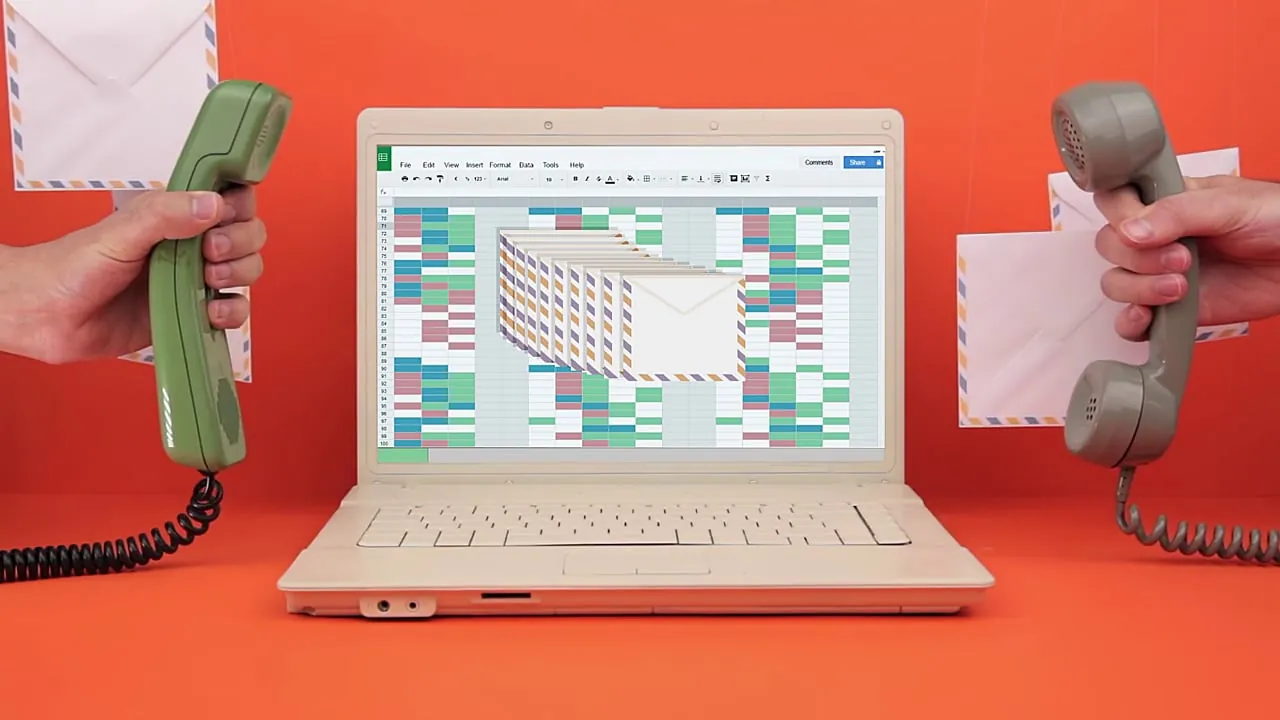
Some days, I feel like my job consists of fighting with inefficient tools. Spreadsheets, sticky notes, calendars, nothing seems to work.
Let's take project A and book Joe on it. He has the skills to perform the job.
Or maybe it's Sophie, or Philippe. I just can't remember.
Hey, an email. Someone wants to update a booking.
Done. Wow.
10 incoming emails. And whoops, a phone call.
Can't answer, try later. Sometimes my boss has questions like, when do we start this new project?
Should we hire? Are people waiting on the bench?
And I just can't answer. No idea.
That was my job before Teambook, a simple real-time resource planner. But now I can say goodbye to painful team planning.
Thanks to Teambook, I get a global overview of my resources, plus quick and easy access to information. I could mark bookings as billable for client work, non-billable for meetings, sales and trainings, and time off, or well, you know, the good life.
With an efficient tag and filter system, I find the right resource for the project. No more hesitation.
I can edit, add or delete multiple bookings in a snap. And when a booking isn't confirmed yet, set it as tentative.
Check who's on and off site. And what's great, too, is that Teambook keeps everyone in the loop by pushing info in my colleague's calendar and grants clients access.
In short, Teambook is the superpower I was missing. Now I'm a planning superhero.
Try it out. It's free and takes just a few seconds to set up.
Fonts & colors
Typeface
Palette